
Recent review
View reviewsNo reviews yet.
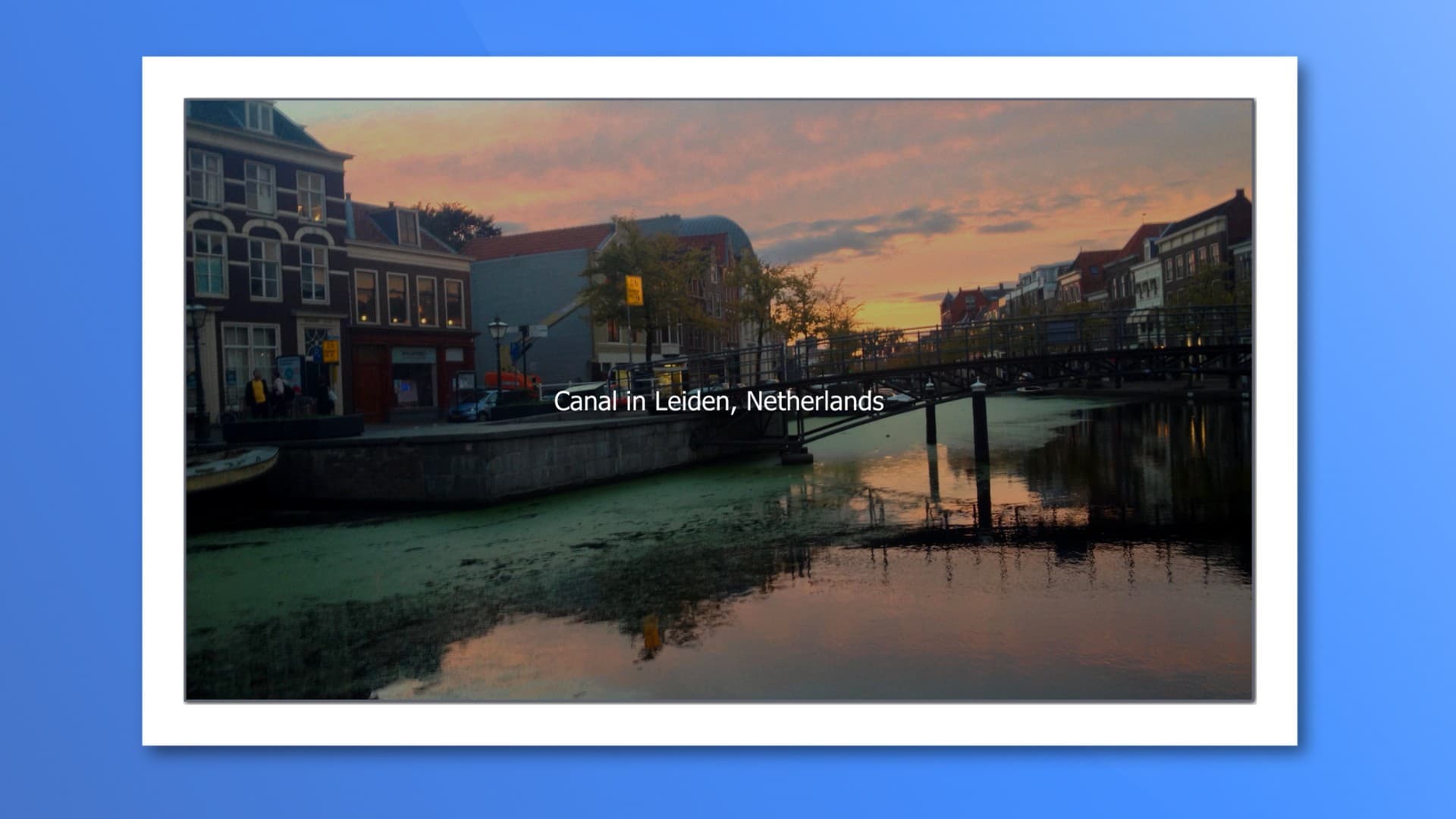
A Better Image Block Made For Modern Layouts
Photo Block is an advanced yet intuitive responsive image block plugin for WordPress that makes adding, styling, cropping, and managing photos inside the block editor a breeze.
Photo Block combines many features from other image blocks into one, resulting in a fully featured alternative that includes responsive controls,easy cropping, global styles, caption overlays, and lightbox support.
A live demo is available
Launch a live Photo Block demo
Upload directly, choose from the Media Library, or import via a URL. Supports external image sources—such as ScreenshotOne—for automatic screenshots. Every image uploads quickly and previews instantly.
Define image proportions with built-in ratio presets or enter your own. The smart cropper respects hard crops and known aspect ratios, or you can perform a completely custom crop.
Every dimension—including padding, width, height, margins, and borders—has responsive controls. Adjust your images to ensure they scale beautifully across desktop, tablet, and mobile devices.
Fine-tune image width, height, and object-fit for a consistent layout. Set an aspect ratio for a custom fit—ideal for hero images, grids, and feature sections with pixel-perfect alignment.
Add expressive, multi-line captions or display them as overlays with hover effects. Position captions at the top, bottom, or center, and mix typography blocks for creative layouts.
Enable a responsive lightbox with just a few clicks by opening link settings. Viewers can expand and browse larger versions of your images without leaving the page.
Quickly style your images with 26 built-in CSS Gram filters. Adjust warmth, contrast, or add vintage flair directly in the editor—no photo editing software required.
Add depth with customizable drop shadows. A simple toggle turns flat images into elegant, layered visuals.
Save your favorite image settings as Global Styles. Apply them anywhere with a single click and update them site-wide later for consistent branding and appearance.
Use Photo Block within the Query Loop block as a featured image source. Captions and settings pull automatically, making it perfect for archives and blog lists. The plugin works well inside GenerateBlocks or Kadence loops and also supports the Core Query block.
I kept finding too many major bugs, and with less than ten installs, it was time to kill it.
No reviews yet.
No comments yet.
No milestones yet
Upvote and review this project
Sign up free to upvote, leave a review, and comment on what builders are shipping.




Joined by 1,416+ builders
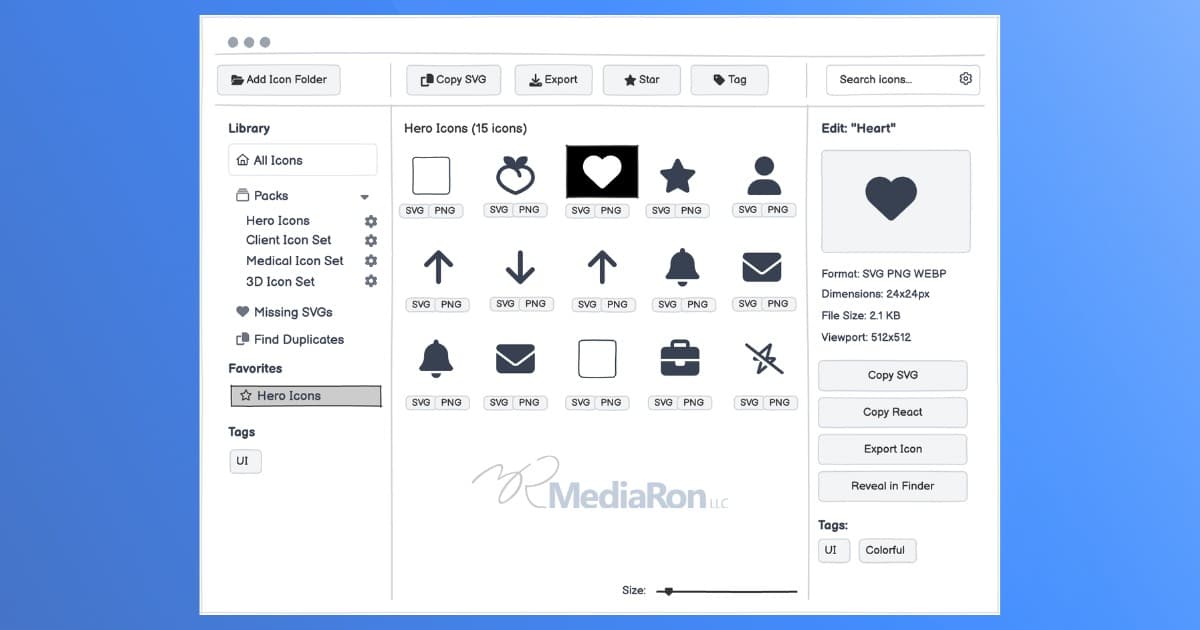
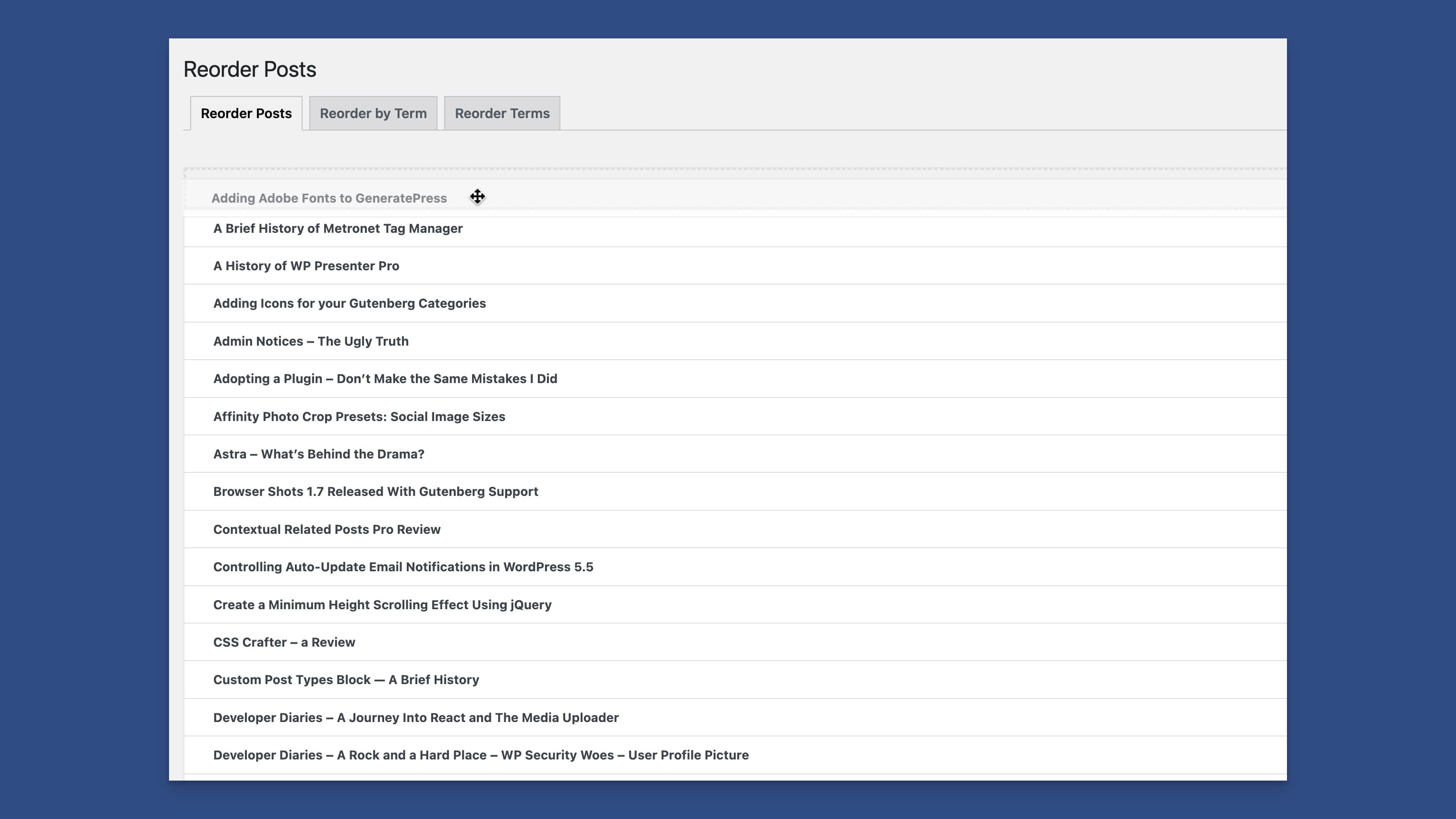
Reorder WordPress post types, users, categories, and posts within categories.
Reviews
No reviews yet. The builder hasn’t opened a review request yet.